Alex Jackson · October 20, 2026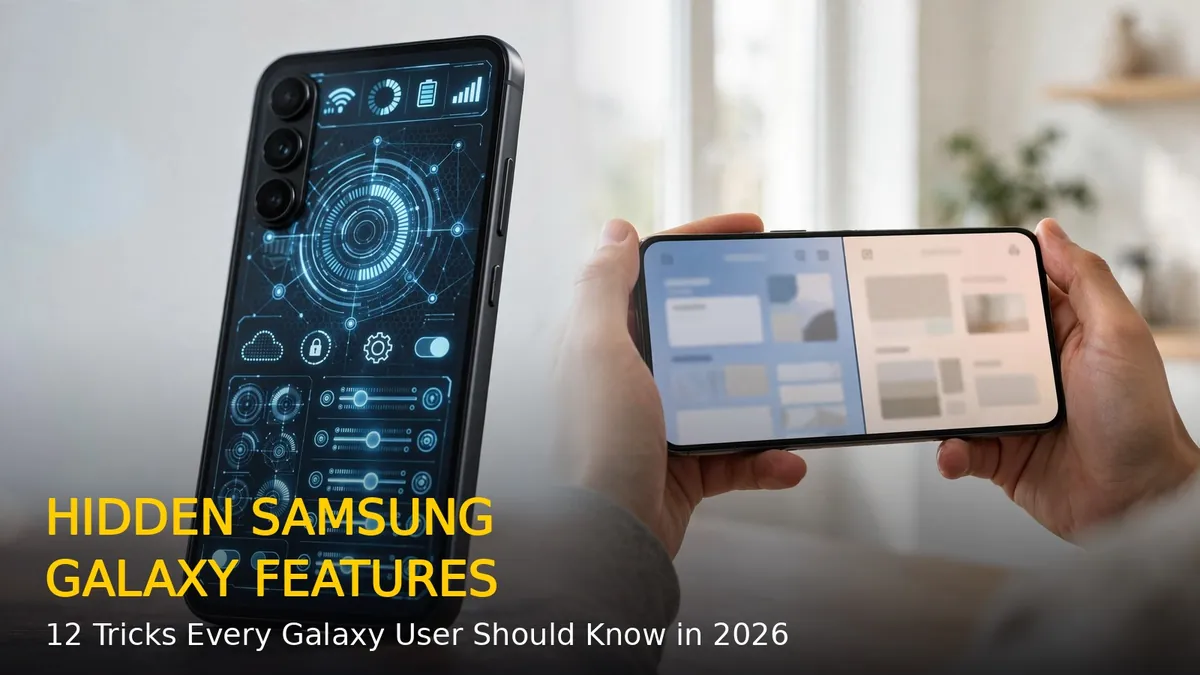
Samsung Galaxy phones pack far more than what you see on the home screen. Under One UI, there are dozens of hidden features that can save you time, protect your privacy, and make everyday tasks much easier. Most Galaxy owners never open these settings, which is a shame because some of them genuinely change how you use your phone.
Here are 12 hidden Samsung Galaxy features you should start using in 2026.
1. Edge Panels for Instant App Access
Swipe in from the right edge of the screen and a slim panel slides out with your favourite apps, contacts, and tools. Go to Settings > Display > Edge panels to turn it on and customise what appears. It is the fastest way to switch apps without going back to the home screen.
2. Modes and Routines That Automate Your Day
Hidden under Settings > Modes and Routines, this is Samsung’s automation engine. You can make your phone automatically turn on Do Not Disturb at bedtime, switch to power saving when the battery drops below 20 percent, or open Spotify the moment your Bluetooth headphones connect. Set it once and your phone handles the rest.
3. Secure Folder for Private Files and Apps
Secure Folder creates a locked, encrypted space on your phone for private photos, documents, and even a second copy of apps like WhatsApp. Enable it from Settings > Security and privacy > Secure Folder and protect it with a separate PIN or fingerprint.
4. One-Handed Mode for Big Screens
On large Galaxy phones, reaching the top of the screen with one thumb is hard. Turn on one-handed mode from Settings > Advanced features > One-handed mode. A quick downward swipe on the gesture bar shrinks the whole display so everything is within thumb reach.
5. Palm Swipe to Take Screenshots
Forget awkward button combinations. Swipe the edge of your palm across the screen and your Galaxy captures a screenshot instantly. Enable it under Settings > Advanced features > Motions and gestures > Palm swipe to capture.
6. Split-Screen App Pairs
Open two apps at once in split-screen, then save the combination as an App pair from the recent-apps menu. Next time, one tap opens both apps together in the same layout. Perfect for watching a video while chatting or comparing prices across two shopping apps.
7. Quick Share for Instant File Transfers
Quick Share is Samsung’s answer to AirDrop. Select any file, tap Share, and send it wirelessly to nearby Galaxy phones, tablets, or even Windows PCs signed into the same Samsung account. No cables, no third-party apps needed.
8. Notification History
Accidentally swiped away an important notification? Turn on notification history at Settings > Notifications > Advanced settings > Notification history. Your Galaxy keeps a 24-hour log of every notification, so nothing important gets lost.
9. Dual Messenger for Two Accounts
Need two WhatsApp or Telegram accounts on one phone? Settings > Advanced features > Dual Messenger clones supported apps so you can run a personal and a work account side by side, each with its own icon.
10. Wireless PowerShare
Your Galaxy can wirelessly charge other devices. Turn on Wireless PowerShare from the quick settings panel, place your earbuds or a friend’s phone on the back of your Galaxy, and it shares battery power on the go.
11. Smart Select From the Edge Panel
Inside Edge panels, the Smart select tool lets you capture any part of the screen as a screenshot or GIF, pin a selected area on top of other apps, or extract text from images. It is far more powerful than a basic screenshot.
12. Maintenance Mode Before Repairs
Handing your phone to a service centre? Settings > Device care > Maintenance mode locks away your personal data and creates a separate temporary profile, so technicians can test the phone without seeing your photos, messages, or accounts.
Final Thoughts
Samsung hides an impressive toolkit inside One UI, and these twelve features only scratch the surface. Spend ten minutes turning on the ones that fit your routine, and your Galaxy phone will feel like a brand-new device. Which hidden feature did you not know about? Try them out and see how much smoother your day gets.
RELATED STORIES