Alex Jackson · October 15, 2026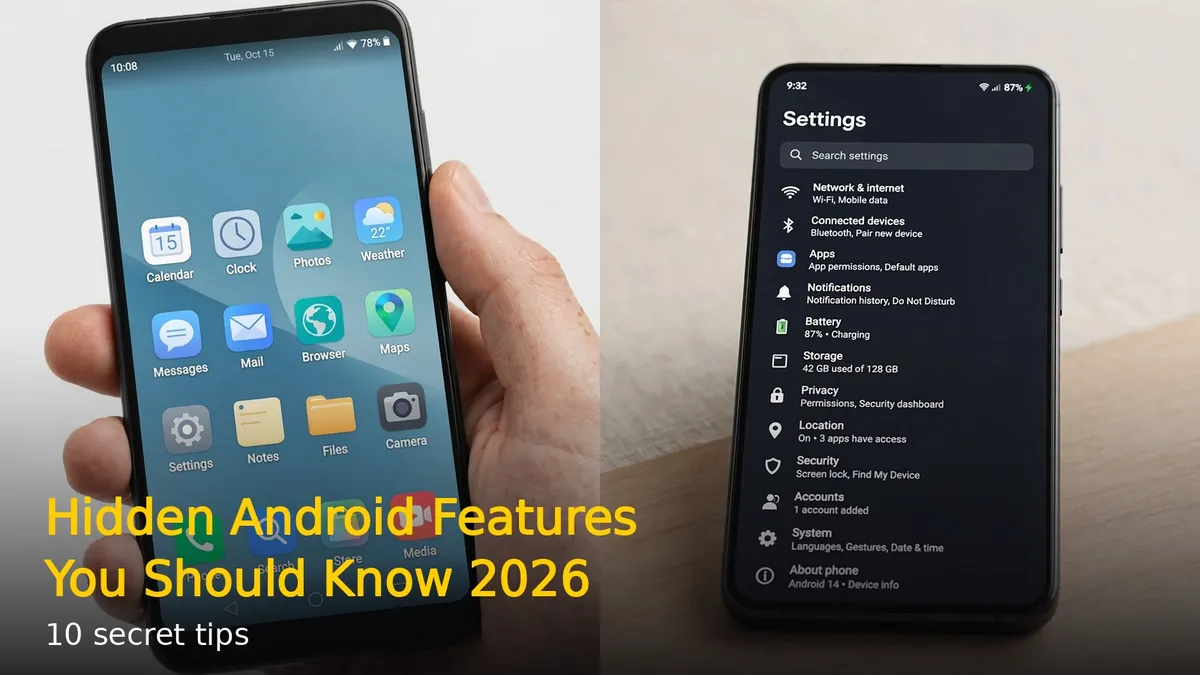
Your Android phone is packed with hidden features you probably never knew existed. These secret settings and tricks can make your daily phone use faster, safer, and smarter. Here are 10 hidden Android features you should know in 2026.
Split Screen Mode
You can run two apps side by side on most Android phones. Open Recent Apps, tap the app icon at the top of a card, and select Split screen. Choose the second app and both will share the screen. Perfect for watching a video while chatting, or copying notes between apps.
App Pinning
Handing your phone to someone? Pin the current app so they can’t open anything else. Go to Settings > Security > App pinning and turn it on. Open Recent Apps, tap the app icon, and select Pin. To unpin, press and hold Back and Recent buttons together.
Smart Lock
Stop unlocking your phone a hundred times a day. Smart Lock keeps your phone unlocked in trusted situations — at home, near your smartwatch, or when it detects it’s in your pocket. Find it under Settings > Security > Smart Lock. Your phone stays secure but skips the hassle.
Notification History
Missed a notification you accidentally swiped away? Android keeps a history. Go to Settings > Notifications > Notification history and turn it on. You’ll see every notification from the last 24 hours, even dismissed ones.
One-Handed Mode
Big phones are hard to use with one hand. Swipe down on the bottom edge (or enable it in Settings > System > Gestures) to shrink the screen down within thumb reach. Tap the empty area to return to full screen.
Guest Mode
Let others use your phone without seeing your data. Swipe down twice from the top, tap your profile icon, and select Add guest. Guest mode creates a clean separate space — your photos, messages, and apps stay private.
Live Caption
Android can add captions to any audio playing on your phone — videos, podcasts, voice messages, even calls. Press a volume button, tap the Live Caption icon, and captions appear automatically. No internet needed.
Screen Recording Built-In
You don’t need a third-party app. Swipe down twice to open Quick Settings, tap Screen Record, and choose your audio source. A floating toolbar lets you pause and stop. Recordings save to your gallery.
Focus Mode
Distracted by apps? Focus Mode pauses distracting apps on a schedule. Go to Settings > Digital Wellbeing > Focus Mode, pick your distracting apps, and set work or sleep hours. Paused apps go silent and grey until the timer ends.
Nearby Share
Sharing files between Android devices is instant with Nearby Share. Turn on Bluetooth and Wi-Fi, tap Share on any file, and select Nearby Share. Nearby Android phones appear — tap one and the file transfers in seconds, no cables or apps needed.
These hidden Android features are already on your phone waiting to be used. Turn on a few today and you’ll wonder how you lived without them.
RELATED STORIES