Alex Jackson · October 16, 2026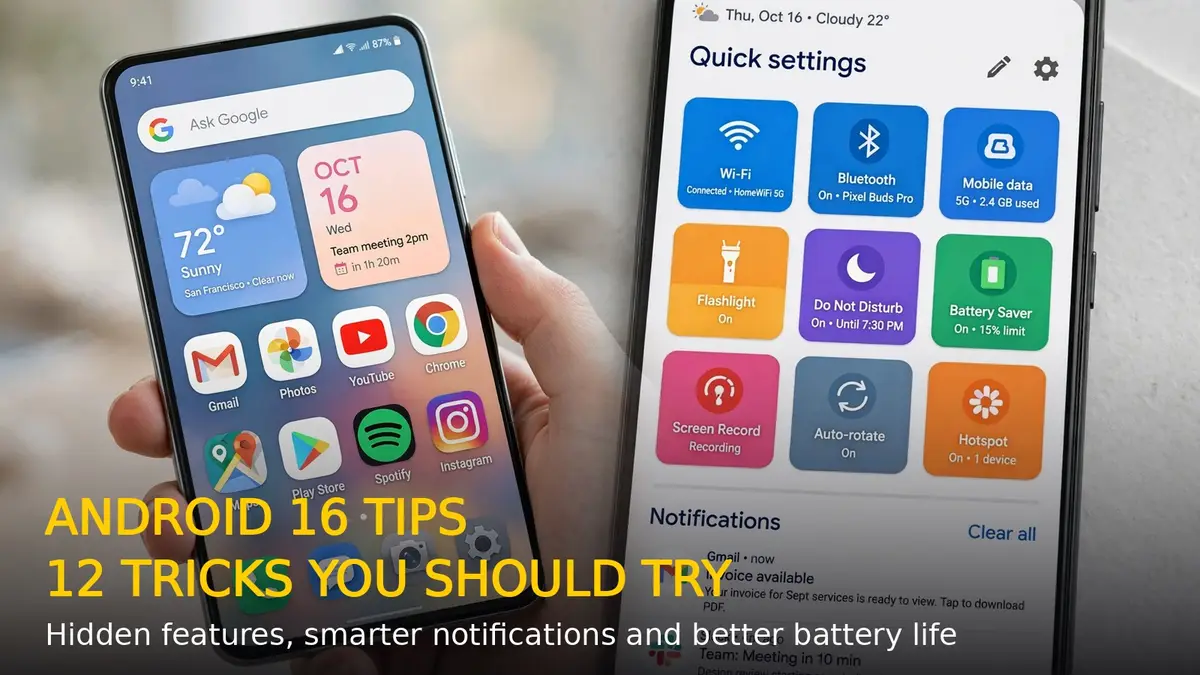
Android 16 is now rolling out to phones from Google, Samsung, OnePlus, Nothing and more, and beyond the headline Material 3 Expressive redesign it hides a stack of genuinely useful features. Here are 12 Android 16 tips and tricks you should try right now.
1. Turn On Notification Cooldown
Tired of your phone buzzing endlessly when a group chat explodes? Go to Settings > Notifications > Notification cooldown. This gradually lowers the alert volume for repeated notifications from the same app, so noisy group chats calm themselves down without you having to mute anyone.
2. Check Your Real Battery Health
Android 16 finally shows transparent battery health stats. Head to Settings > Battery > Battery health to see the battery’s cycle count, manufacturing date and estimated remaining capacity. If you’re buying a used phone, this screen tells you exactly how worn the battery is.
3. Auto-Archive Apps You Don’t Use
Running out of storage? Enable Settings > Storage > App archiving. Android 16 automatically archives apps you haven’t opened in a while — they keep their icon, settings and login data but drop most of their storage footprint. Tap one and it reinstalls in seconds.
4. Try Live Updates for Rides and Deliveries
Android 16’s Live Updates put real-time progress from delivery, rideshare and navigation apps right in your notification shade and status bar chip — no need to keep opening the app to check your food or cab.
5. Lock Sensitive Apps in Private Space
Need a second layer of privacy? Settings > Security & privacy > Private Space creates a hidden, biometrically-locked area for sensitive apps and files. It stays invisible in your app drawer and file manager until you unlock it.
6. Share Audio with Two Headphones
Android 16 supports Auracast: pair two Bluetooth headphones to one phone so you and a friend can listen to the same music, podcast or movie at once. You can even broadcast audio to multiple devices via a QR code for group listening sessions.
7. Save App Pairs for Split-Screen
Drag any app to either side of the screen to open it in split-screen, then long-press the divider and tap Save app pair. One tap then launches both apps together — perfect for Maps + Music or YouTube + Notes.
8. Use the Predictive Back Preview
The back gesture now shows a visual preview of where you’ll land before you complete the swipe. It’s a small change that stops accidental exits and makes deep navigation far less confusing.
9. Speed Up Animations with Developer Options
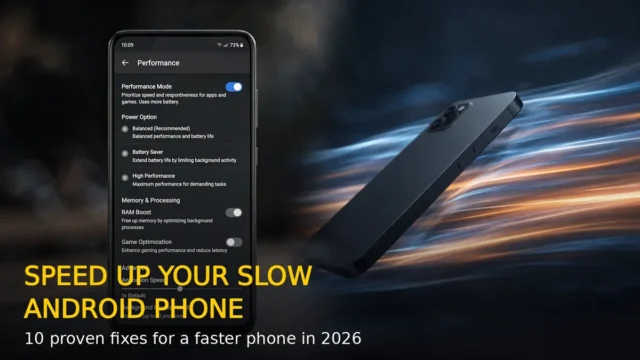
Tap Build number in Settings > About phone seven times to unlock Developer Options, then set Window animation scale, Transition animation scale and Animator duration scale to 0.5x. Everything feels noticeably snappier without losing animations entirely.
10. Make Gboard Proofread for You
Gboard on Android 16 packs on-device AI writing tools: it can fix grammar, change the tone of a message or make text more concise with a single tap — all processed locally on your phone, so nothing leaves your device.
11. Try Desktop Windowing on Foldables and Tablets
On foldables and tablets, Android 16 brings proper desktop-style windowing: resize, overlap and tile multiple app windows, with a persistent taskbar and custom keyboard shortcuts for serious multitasking.
12. Keep Your Phone Safer with Identity Check
Under Settings > Security & privacy > Identity Check, enable extra biometric verification for changing critical settings or accessing saved passwords when you’re away from trusted locations like home.
That’s it — 12 Android 16 tips and tricks that turn a standard phone into a genuinely smarter one. Try a few today and you’ll wonder how you used your phone without them.
RELATED STORIES