Alex Jackson · October 12, 2026
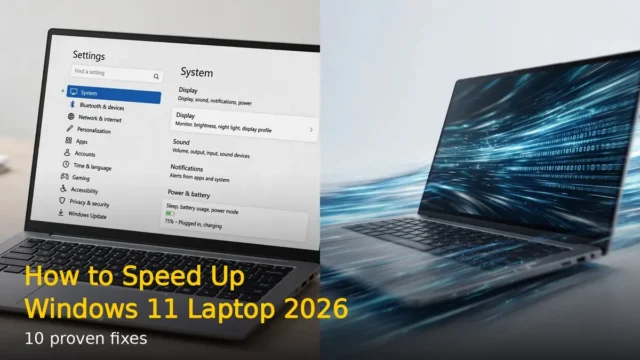
Is your Windows 11 laptop running slower than it used to? Before you think about buying a new one, try these 10 hidden tricks. They are built into Windows, free, and take just minutes to apply.
1. Disable Startup Programs
Press Ctrl + Shift + Esc to open Task Manager. Go to the Startup apps tab. Disable everything you don’t need at boot – especially updaters and chat apps. This alone can cut boot time in half.
2. Turn On Storage Sense
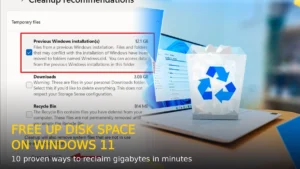
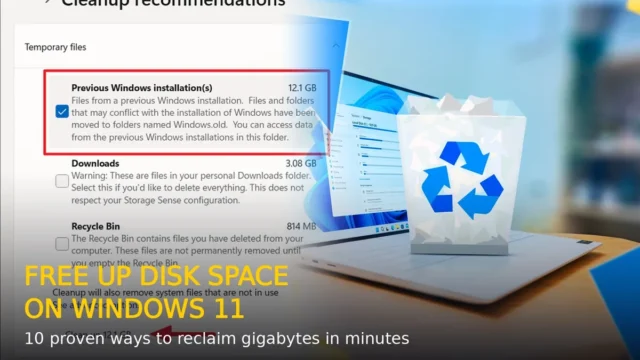
Go to Settings > System > Storage and turn on Storage Sense. Windows will automatically delete temporary files, empty the recycle bin, and clean up old downloads. Set it to run weekly.
3. Use God Mode
Create a new folder on your desktop and rename it to: GodMode.{ED7BA470-8E54-465E-825C-99712043E01C}
Open it and you’ll see every Windows setting in one place – over 200 options organized by category.
4. Virtual Desktops for Organization
Press Windows + Tab, then click New desktop. You can have separate desktops for work, personal use, and entertainment. Switch between them with Ctrl + Windows + Left/Right arrow.
5. Clipboard History
Press Windows + V to enable clipboard history. You can now copy multiple items and paste any of them – not just the last one. Pin frequently used items so they survive reboots.
6. Night Light for Your Eyes
Go to Settings > System > Display > Night light. Turn it on and schedule it from sunset to sunrise. It reduces blue light and is much easier on your eyes during late-night work.
7. Shake to Minimize
Grab any window’s title bar and shake it. All other windows minimize instantly. Shake again to bring them back. Enable it in Settings > System > Multitasking > Title bar window shake.
8. Secret Start Menu
Right-click the Start button (or press Windows + X). This opens the power user menu with direct links to Device Manager, Disk Management, Terminal, Task Manager, and more.
9. Focus Sessions
Open the Clock app and go to Focus sessions. Set a timer, link your Microsoft To Do tasks, and Spotify. Windows will silence notifications and help you concentrate in focused work blocks.
10. Reset Without Losing Files
If nothing else works, go to Settings > System > Recovery > Reset this PC. Choose Keep my files. Windows reinstalls itself fresh while preserving your personal files – often fixing years of slowdown.
Try these tricks one by one. Most users see a noticeable speed improvement just from disabling startup programs and turning on Storage Sense.
RELATED STORIES