Alex Jackson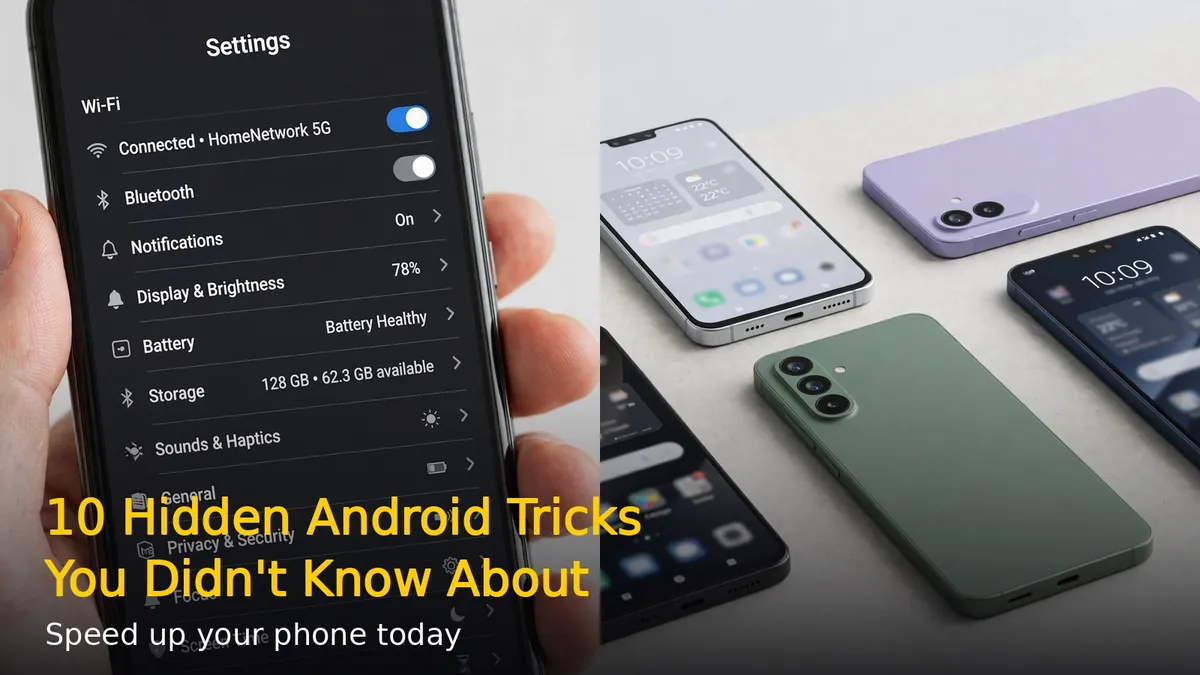
Your Android phone has dozens of hidden features you probably never knew existed. These tricks will help you speed up your device, save battery, and get more done. Here are 10 of the best.
1. Enable Developer Options for Faster Animations
Go to Settings > About Phone and tap Build Number 7 times. This unlocks Developer Options. Then go to Developer Options and set Window animation scale, Transition animation scale, and Animator duration scale to 0.5x. Your phone will feel instantly faster.
2. Use Split Screen Multitasking
Open any app, then tap the recent apps button. Tap the app icon at the top and select Split screen. Choose a second app. You can now use two apps side by side – perfect for watching videos while chatting.
3. One-Handed Mode
On most Android phones, swipe down on the home button bar or go to Settings > Advanced features > One-handed mode. The screen shrinks down so you can reach everything with one thumb.
4. Screen Pinning for Privacy
Going to hand your phone to someone? Go to Settings > Security > Screen pinning and turn it on. Open the app, tap recent apps, tap the pin icon. They can’t leave that app without your PIN.
5. Find Your Phone Even on Silent
Go to android.com/find from any browser and sign in. You can ring your phone at full volume even if it’s on silent, lock it remotely, or erase it if lost.
6. Smart Lock – Skip the Lock Screen at Home
Go to Settings > Security > Smart Lock. Add trusted places (like home) or trusted devices (like your smartwatch). Your phone stays unlocked when you’re in safe locations.
7. Notification History
Accidentally swiped away a notification? Go to Settings > Notifications > Notification history and turn it on. You’ll see every notification from the last 24 hours.
8. Battery Saver Shortcuts
Pull down the quick settings panel twice. Long-press the Battery Saver tile to jump straight to battery settings. Turn on Adaptive Battery in Settings > Battery to let AI manage background apps.
9. Guest Mode for Sharing
Swipe down twice from the top, tap the user icon, and select Guest. This creates a clean temporary profile – perfect when someone borrows your phone.
10. Double-Tap to Wake and Camera Shortcut
Most phones let you double-tap the screen to wake it (Settings > Display). Double-press the power button to instantly open the camera from anywhere – even when locked.
These tricks work on most Android phones running Android 10 or newer. Try them out and see which ones change how you use your phone.
RELATED STORIES