Alex Jackson · October 19, 2026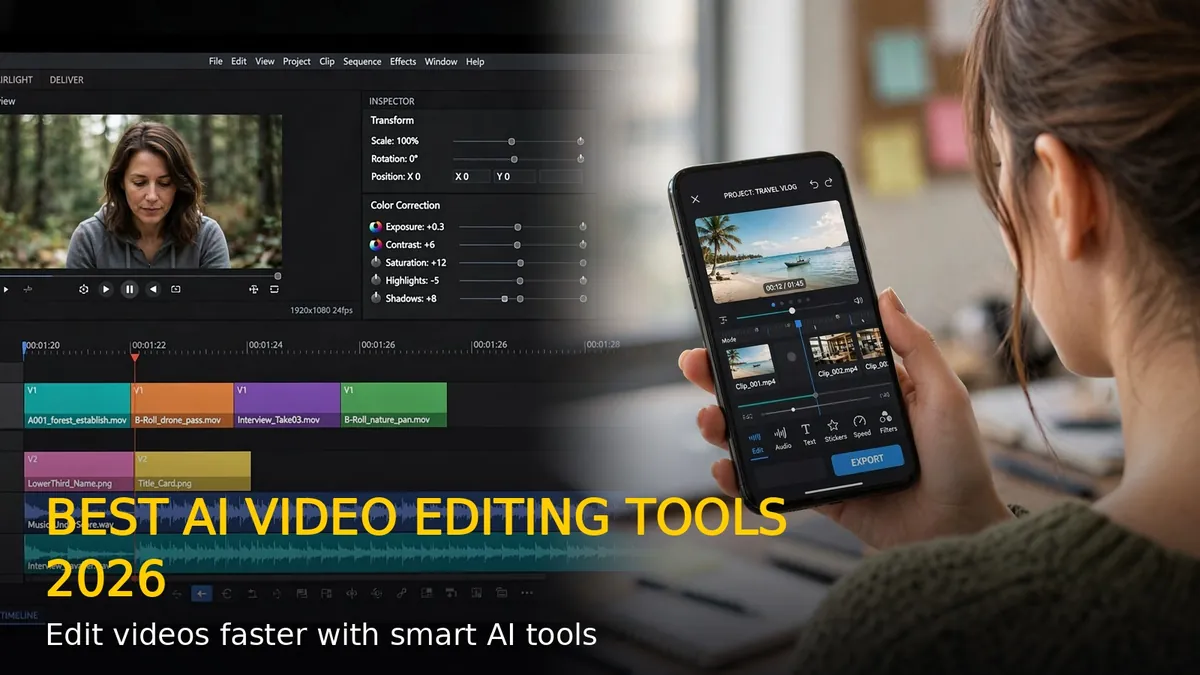
AI video editors have gone from gimmick to genuinely useful in 2026. The best tools now handle captions, rough cuts, reframing, cleanup, and even generate new footage from a text prompt — cutting editing time from hours to minutes. Whether you are a YouTuber, marketer, or just someone who films on a phone, here are the 8 best AI video editing tools worth trying in 2026.
1. CapCut – Best Free AI Video Editor
CapCut remains the easiest free on-ramp into AI editing. Its auto-captions are among the most accurate in any free tool, one-click background removal actually works on phone footage, and its template library makes short-form content fast. The desktop and mobile apps sync smoothly, making it the top pick for creators who edit entirely on their phone.
2. Descript – Best for Podcasts and Talking-Head Videos
Descript lets you edit video by editing the transcript — delete a sentence from the text and it vanishes from the video. Its Underlord AI agent, added in 2026, can carry out a whole sequence of edits from one plain-language instruction. If you make tutorials, podcasts, or interviews, nothing cuts editing time like Descript.
3. Runway – Best for Generative Editing
Runway’s Aleph 2.0 model edits footage you already shot instead of generating new clips. Feed it existing footage plus a text prompt and it can remove objects, relight scenes, or transfer styles — localized changes while the rest of the shot stays untouched. It also powers Adobe’s own prompt-editing features, which says everything about its quality.
4. Google Veo 3.1 (Flow) – Best Cinematic AI Video Generation
For pure text-to-video generation, Google’s Veo 3.1 leads in realism. It produces cinematic clips with native synced dialogue and sound effects in a single pass, up to 4K quality. Inside Google’s Flow app, it is the best option when you need to create footage from scratch rather than edit what you filmed.
5. Adobe Premiere Pro + Firefly – Best for Professionals
Premiere Pro’s Firefly integration brings generative AI into a real professional timeline. Prompt to Edit can create effect shots directly inside your sequence, while Text-Based Editing and Enhance Speech speed up the boring parts of long-form work. It is the pick for editors who want AI speed without leaving a pro workflow.
6. OpusClip – Best for Short-Form Clips
OpusClip takes one long video and automatically turns it into short, captioned clips ready for Reels, Shorts, and TikTok. Smart reframing keeps the subject centered when cropping to vertical, and auto-scheduling posts them for you. It is the top pick for anyone repurposing long content into shorts.
7. Kling 3.0 – Best Budget AI Video Generator
Kling 3.0 delivers native 4K clips up to 15 seconds with impressive motion realism, including multilingual lip-sync, at a fraction of competitors’ prices. It is the best value option for creators who want high-quality AI-generated video without an expensive subscription.
8. DaVinci Resolve – Best Free Professional Finishing
DaVinci Resolve’s free tier is shockingly complete, and its Studio AI tools now include voice isolation, smart reframing, and footage search by what’s shown in the clip. Its color grading remains the industry standard. For creators who want a full pro editor with AI assists at zero cost, nothing beats it.
How to Choose the Right AI Video Editor
Start with your source material. If you cut interviews or podcasts, pick a transcript editor like Descript. If you need footage from thin air, a generator like Veo 3.1 or Kling is the answer. For social clips, go with CapCut or OpusClip. And for serious long-form work, Premiere Pro or DaVinci Resolve still rule. Most tools now charge AI work in credits on top of the plan price, so compare the credit allowance — not just the monthly fee — before you pay.
Final Verdict
For most creators, CapCut covers everything free, while Descript is the biggest time-saver for talking-head content and Runway leads in generative edits. Try the free tiers first — AI video editing has never been this accessible, and 2026 is the year to start using it.
RELATED STORIES