Alex Jackson · October 18, 2026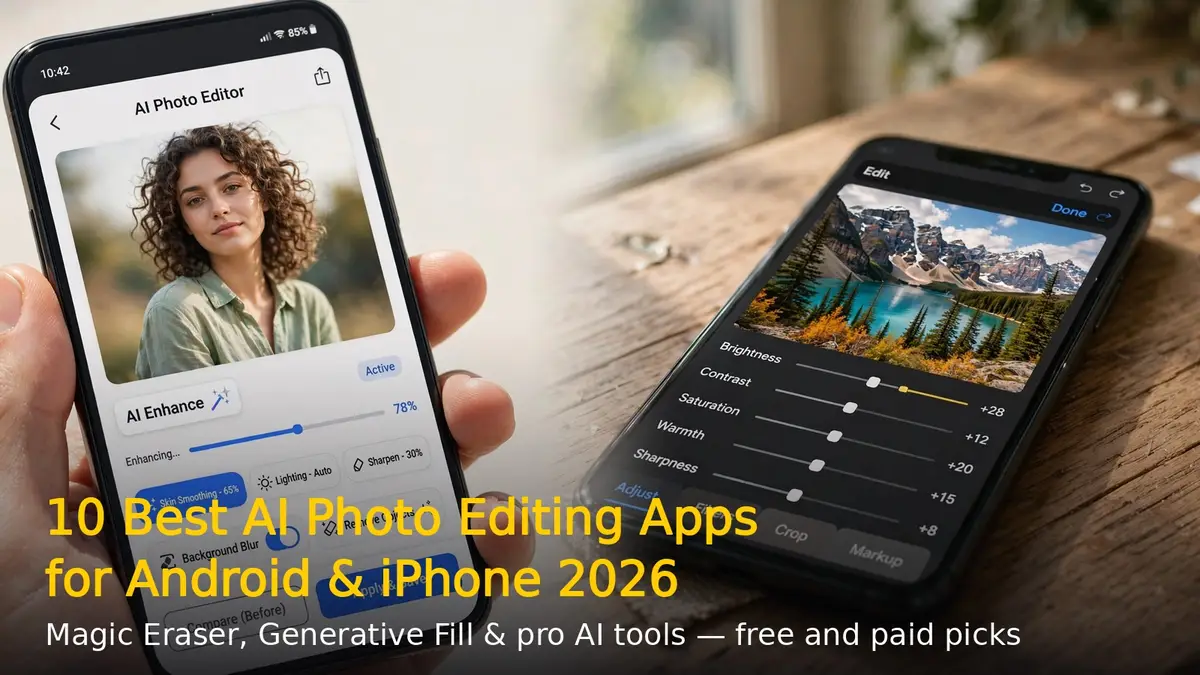
AI has completely changed photo editing in 2026. Tasks that once needed Photoshop skills — removing strangers from the background, fixing blurry shots, swapping skies — now take a tap or a typed sentence. Here are the 10 best AI photo editing apps for Android and iPhone, covering free everyday editors and pro-grade tools.
1. Google Photos (Magic Editor)
The best free everyday editor for most people. Magic Eraser removes unwanted objects, Photo Unblur rescues soft shots, and Magic Editor can reposition subjects or reimagine the background. Free on iOS and Android with a small monthly allowance of generative edits. Best for: quick fixes without paying anything.
2. Adobe Lightroom Mobile
The industry benchmark for serious phone photography. AI masking selects subjects and skies automatically, Denoise cleans up grainy low-light shots, and Generative Remove erases objects convincingly. Cloud sync keeps edits consistent across devices. Best for: photographers who want pro color control on mobile.
3. Adobe Photoshop
Still the gold standard for deep edits, now with three AI models inside — Firefly, Gemini and FLUX — plus Generative Fill and the new Harmonize feature that matches lighting when you drop generated elements into a photo. Steeper learning curve, but unmatched precision. Best for: complex composites and layered editing.
4. Snapseed
Google’s completely free editor with zero ads and no in-app purchases. Over 25 professional-grade tools including curves, selective edits and healing, plus RAW support. It lacks flashy generative tricks, but nothing beats it for the price. Best for: powerful editing that costs nothing.
5. Canva
Not just a design tool — Canva’s Magic Edit, Magic Eraser and Magic Grab handle impressive AI photo fixes, and you can drop the result straight into a post or thumbnail. The free tier is genuinely useful; Pro unlocks the full AI toolkit. Best for: social posts and thumbnails, fast.
6. Lensa
The go-to app for AI portraits and selfies. Its Magic Avatars and face retouching tools produce natural-looking results, and it ranks among the strongest dedicated iOS editing apps in 2026 while also covering Android. Best for: portraits, selfies and profile pictures.
7. Photoroom
Built for product and seller photos: one-tap background removal, AI shadows and product staging that make items look shot in a studio. A solid free tier covers casual use. Best for: online sellers and product photography.
8. Remini
Specialises in one thing — restoring old, blurry or low-resolution photos. Its AI face recovery and upscaling can turn a decades-old print into a sharp, shareable image. Best for: rescuing old family photos.
9. Luminar Neo
A creative desktop-and-mobile editor with genuinely useful AI: SkyAI replaces dull skies, GenErase removes distractions, and RelightAI adjusts lighting after the shot. Available as a one-time purchase instead of a subscription. Best for: landscapes and creative edits without a monthly fee.
10. Pixlr
A free browser-based editor with Generative Fill, Generative Expand and background removal — no install needed, works on any phone or computer. Best for: quick AI edits from any browser.
Which AI Photo Editor Should You Pick?
For everyday free edits, start with Google Photos or Snapseed. For portraits, grab Lensa; for selling online, Photoroom. And if you are serious about photography, Lightroom Mobile remains worth the subscription. Whatever you choose, 2026 is the year your phone became a photo studio.
RELATED STORIES