Alex Jackson · October 22, 2026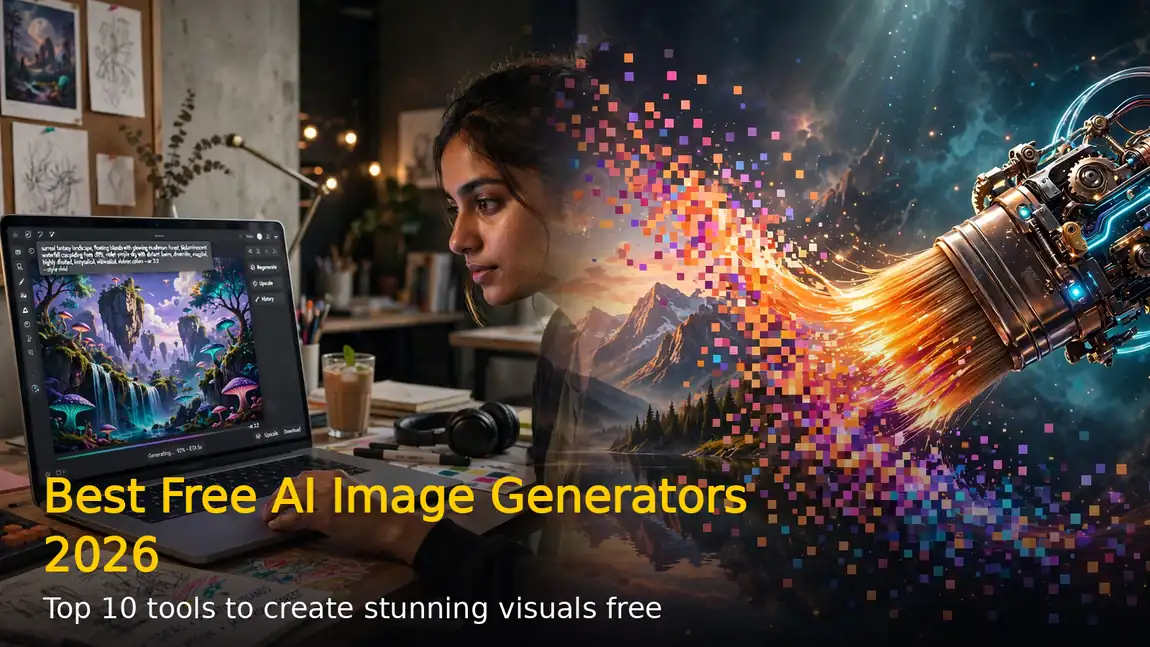
AI image generators have become the fastest way to create stunning visuals in 2026 — and the good news is you no longer need to pay for great results. Free tools now produce thumbnails, posters, product shots and social graphics that rival paid subscriptions. We tested and compared the best free AI image generators in 2026 to help you pick the right one for your work.
1. Google Gemini (Nano Banana 2) — Best Free All-Rounder
Google Gemini is the best free starting point for most people. Its image stack pairs Imagen-class generation with the Nano Banana 2 editing model, which is brilliant at surgical edits — change a shirt colour, swap a background or restyle a photo without regenerating the whole image. Prompt adherence is exceptional: describe a scene in detail and Gemini follows it almost exactly, with good text rendering in multiple languages.
The free tier offers a generous daily quota (roughly 20 images a day has been reported, though limits change) with no credit card required — just a Google account. Note that images generated in the Gemini app may carry a visible watermark, and content moderation is strict, so some legitimate requests get refused.
2. ChatGPT (GPT Image) — Easiest to Talk To
ChatGPT’s image generation is the most beginner-friendly option. You refine images in plain conversation — “make it brighter”, “add more clouds” — and it remembers the context across turns. Text inside images is unusually readable, which makes it great for memes, cards and social posts. The free plan gives only a limited number of images per day, with limits varying by demand, but it’s enough to try before deciding whether a paid plan is worth it.
3. Ideogram — Best for Text and Posters
If your design lives or dies by words on the image, Ideogram is the answer. Version 3.0 reliably renders logos, posters, banners and typography without the garbled text that plagues other generators. It’s the go-to free tool for YouTube thumbnails, event posters and ad creatives. Keep in mind that images on the free plan are public by default.
4. Adobe Firefly — Best for Commercial Safety
Firefly is built for anyone worried about legal risk. It is trained only on licensed Adobe Stock imagery and public-domain content, so the outputs are safe for client and brand work, and it integrates directly with Photoshop and Illustrator. The catch: the free tier comes with a small set of credits that expire each month, and IP indemnification only applies to paid plans.
5. Leonardo AI — Best Free Tier for Volume
Leonardo AI hands out around 150 daily credits on its free plan, which goes a long way. It offers a huge library of models, real design controls and the ability to train custom models on your own style — perfect for product shots, game assets and consistent character designs. Free-tier generations are public, and the interface has a learning curve, but power users will love it.
6. Meta AI — Best for WhatsApp and Instagram Users
Meta AI lives inside WhatsApp, Instagram and Messenger, so there’s nothing new to install. Ask for an image in a chat and it generates one in seconds. Quality has improved dramatically and it’s completely free, making it the most accessible AI image generator on this list — ideal for quick fun images and casual sharing rather than professional work.
7. Microsoft Designer (Image Creator) — Best Hidden Free Tool
Bing Image Creator, now part of Microsoft Designer, quietly remains one of the most generous free options. It runs on OpenAI’s image models, gives daily “boosts” for faster generation, and needs only a free Microsoft account. Quality is solid for everyday use — invitations, blog headers, wallpapers — and the Designer app turns generations into finished social graphics.
8. Recraft — Best for Logos and Vector Graphics
Most generators struggle with logos and icons; Recraft is built for them. It produces editable vector-style graphics, icons and brand assets with clean lines and precise layouts. The free plan is genuinely useful for startups and creators, though free images are public and aren’t licensed for commercial use — upgrade if the design earns you money.
9. Krea AI — Best for Real-Time Iteration
Krea AI does something no other free tool does: your image updates in real time as you type the prompt. This makes iterating on a concept incredibly fast — tweak a word and watch the scene change instantly. It’s perfect for designers who think visually and want to explore many directions quickly without burning credits on full regenerations.
10. FLUX and Stable Diffusion — Best Unlimited Option
For technical users, the open models are unbeatable. FLUX.2 from Black Forest Labs leads the open world in photorealism with strong prompt adherence, while Stable Diffusion has the biggest community of fine-tuned models. Self-host them free if you have a decent GPU, or use near-free API access through services like fal.ai or Replicate. Unlimited, private and fully customisable.
How to Choose the Right Free AI Image Generator
Start with your use case. For everyday free images with the best quality, use Google Gemini. For posters and thumbnails with readable text, pick Ideogram. For client work where copyright matters, choose Adobe Firefly. For high-volume experimentation, Leonardo AI’s daily credits win. And remember the fine print: free plans differ on daily limits, watermarks, whether images are public, and whether you can use them commercially — check the terms before a free image ends up in something that earns money.
FAQs
Which is the best completely free AI image generator in 2026?
Google Gemini offers the most generous free experience, with high-quality generation and Nano Banana 2 editing at no cost beyond a Google account.
Can I use free AI-generated images for commercial work?
It depends on the tool. Adobe Firefly’s paid plans offer indemnification, while free images from tools like Recraft and Ideogram may be public or carry usage restrictions — always read the terms.
Do free AI image generators add watermarks?
Some do. Gemini app generations may show a small watermark, and most free tools embed invisible watermarks like SynthID. Check each tool’s policy before publishing.
RELATED STORIES