Alex Jackson · October 24, 2026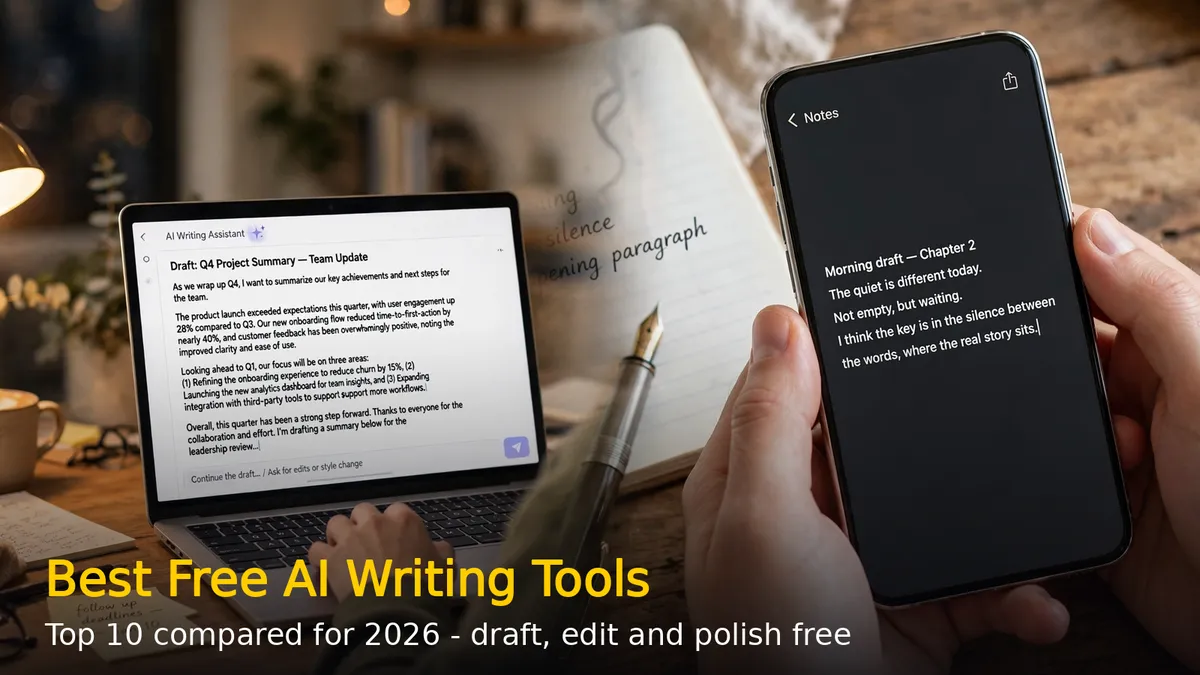
AI writing tools have gone from novelty to necessity in 2026. Students use them to polish essays, bloggers draft posts faster, and professionals clean up emails in seconds. The good news: you do not need to pay for a premium plan. Many of the best AI writing assistants offer genuinely useful free tiers. Here are the 10 best free AI writing tools in 2026, compared on features, free-plan limits, and who each one suits best.
1. ChatGPT — Best All-Round AI Writing Assistant
ChatGPT remains the go-to AI writing assistant for most people. It drafts blog posts, outlines, emails, and scripts from a single prompt, and handles rewrites, summaries, and brainstorming just as well. The free plan covers everyday text chats with usage limits, with extra capabilities unlocked on paid plans.
Free plan: Free tier with usage limits on messages.
Who should try it: Anyone who wants one versatile tool for drafting and editing.
2. Google Gemini — Best for Research and Google Workspace Users
Gemini is Google’s AI assistant and a natural pick for research-heavy writing. Its Deep Research feature digs through sources for you, and it plugs straight into Gmail and Google Docs with “Help me write” suggestions. It is free with a Google account, with usage limits that refresh periodically.
Free plan: Free with a Google account; usage limits refresh periodically.
Who should try it: Students and writers who already live in Google Docs.
3. Claude — Best for Long-Form and Natural-Sounding Writing
Claude is widely praised for writing that sounds human rather than robotic. It handles long pieces well, gives thoughtful feedback on structure and tone, and works with a large context window — ideal for essays, stories, and detailed reports. The free tier offers daily message limits.
Free plan: Free tier with daily message limits.
Who should try it: Anyone writing essays, stories, or long articles.
4. Microsoft Copilot — Best for Windows and Edge Users
Copilot is built into Windows 11 and the Edge browser, so it is always one click away on a PC. It can draft, summarize web pages, and help with documents without installing anything extra. Signing in unlocks more features for free.
Free plan: Free; sign-in unlocks extra features.
Who should try it: Windows and Edge users who want AI built into their workflow.
5. Grammarly — Best Free Grammar and Editing Tool
Grammarly is not a chatbot — it is a dedicated writing editor. It checks grammar, spelling, punctuation, and clarity across your browser and apps in real time, and the free plan includes tone detection plus a monthly allowance of AI prompts for rewrites and generation.
Free plan: Grammar fixes, tone detection, and 100 AI prompts per month.
Who should try it: Anyone who wants their existing writing polished and error-free.
6. QuillBot — Best Free Paraphrasing Tool
QuillBot specializes in rewording: paste a sentence or paragraph and it rewrites it in a clearer or more formal way. It also includes a summarizer and a basic grammar checker. The free tier allows paraphrasing of up to 125 words per request with two writing modes.
Free plan: Up to 125 words per paraphrase, two free modes.
Who should try it: Students and writers who need to rephrase content.
7. Perplexity — Best for Research-Backed Writing
Perplexity is an AI search assistant that answers questions with citations to real sources. When your writing needs facts, figures, or quotes, it finds them and links the sources so you can verify before you publish. A free tier of queries is available to everyone.
Free plan: Free tier of AI-powered searches with citations.
Who should try it: Bloggers and researchers who need cited, factual content.
8. Rytr — Best for Short Marketing Copy
Rytr is a template-driven AI writer for short copy: product descriptions, social posts, ad lines, and email subject lines. It supports multiple tones and use cases, and the free plan needs no credit card.
Free plan: 10,000 characters per month, no card required.
Who should try it: Creators who need quick, short-form marketing copy.
9. LanguageTool — Best Free Open-Source Grammar Checker
LanguageTool is a solid free grammar and proofreading alternative that supports multiple languages. It catches spelling, grammar, and style issues in your browser, desktop apps, and documents, with free basic checks for everyday use.
Free plan: Free basic grammar and style checks.
Who should try it: Writers who want a privacy-friendly, multilingual checker.
10. Jasper — Best for Structured Blog Drafts
Jasper is built for content teams and bloggers who produce long-form posts regularly. It adapts to your brand voice, supports SEO-friendly structures, and generates full draft outlines fast. A free plan is available to get started.
Free plan: Free plan available; paid plans start at $69 per seat/month.
Who should try it: Bloggers and marketers drafting posts at scale.
Quick Comparison: Best Free AI Writing Tools in 2026
| Tool | Best for | Free plan limit |
|---|---|---|
| ChatGPT | All-round drafting | Free tier with usage limits |
| Google Gemini | Research + Google Docs | Free with Google account |
| Claude | Long-form, natural tone | Daily message limits |
| Microsoft Copilot | Windows / Edge users | Free, sign-in for more |
| Grammarly | Grammar and polishing | 100 AI prompts/month |
| QuillBot | Paraphrasing | 125 words per request |
| Perplexity | Research with citations | Free tier of queries |
| Rytr | Short marketing copy | 10,000 chars/month |
| LanguageTool | Grammar checking | Free basic checks |
| Jasper | Blog drafts at scale | Free plan available |
Tips to Get the Most Out of Free AI Writing Tools
- Combine two tools: draft with ChatGPT or Claude, then polish with Grammarly — free tiers cover the full pipeline.
- Always fact-check: AI can hallucinate dates, prices, and quotes. Verify claims with Perplexity or a real search before publishing.
- Edit the tone: AI drafts can sound generic. Add your own examples and rewrite the opening and closing in your voice.
- Free-plan limits change: check each tool’s official pricing page for the latest allowances before you commit to one.
FAQs
Which is the best completely free AI writing tool in 2026?
ChatGPT and Google Gemini offer the most generous free all-round writing experience. Pair either with Grammarly’s free plan for grammar, and you have a complete free writing setup.
Can I use free AI writing tools for blog posts?
Yes. Use AI for outlines and first drafts, then edit, fact-check, and add your own perspective. Search engines reward original, helpful content — treat AI output as a starting point, not the finished post.
Is free AI-generated content safe from plagiarism?
AI generates original text, but it can echo phrases from its training data. Run important work through QuillBot or a plagiarism checker and rewrite flagged sections in your own words.
Free AI writing tools in 2026 are good enough that most students, bloggers, and creators never need to pay. Start with ChatGPT or Gemini for drafting, Claude for long pieces, and Grammarly for the final polish — and keep Perplexity handy whenever your writing needs real sources.
RELATED STORIES